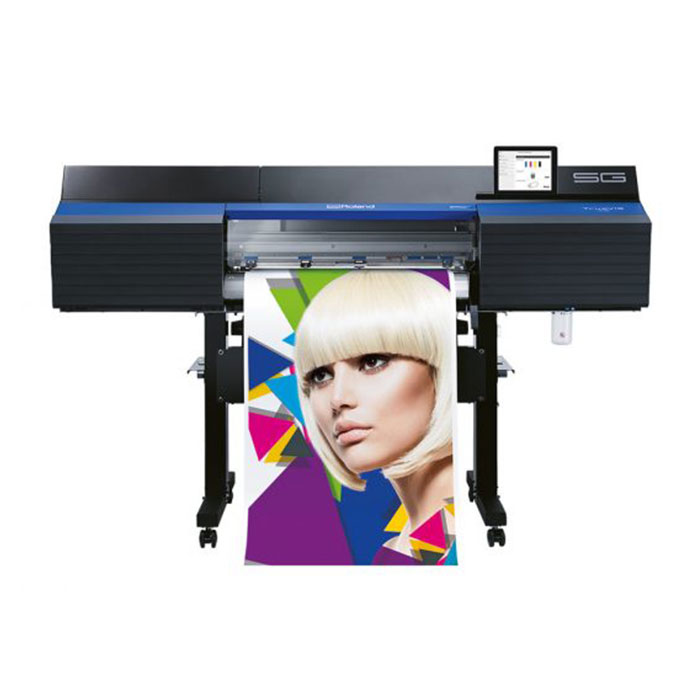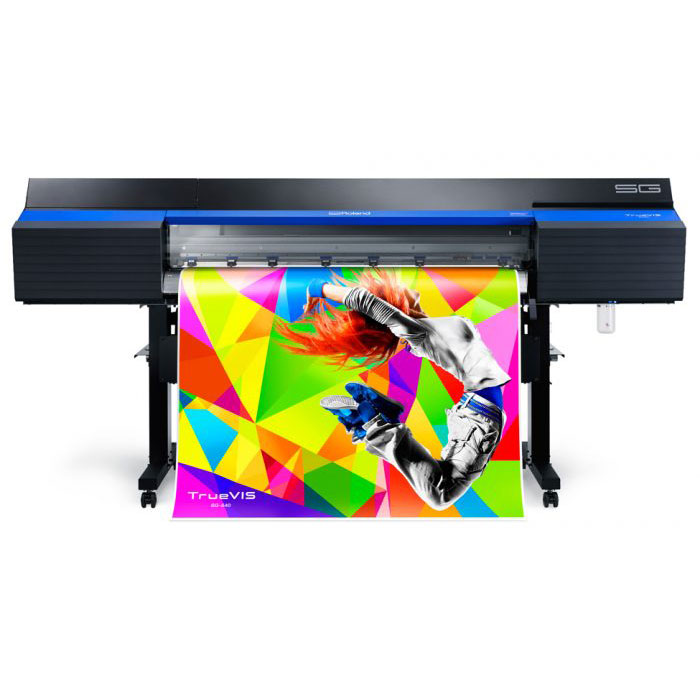
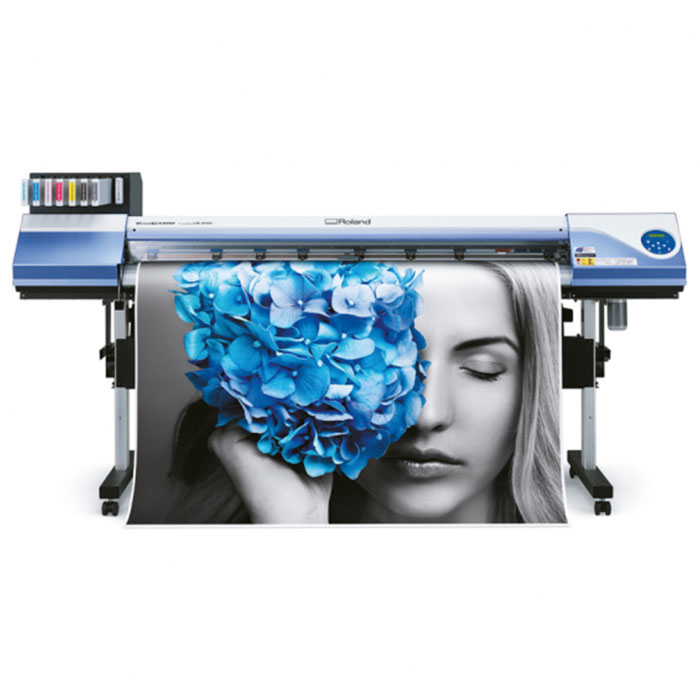
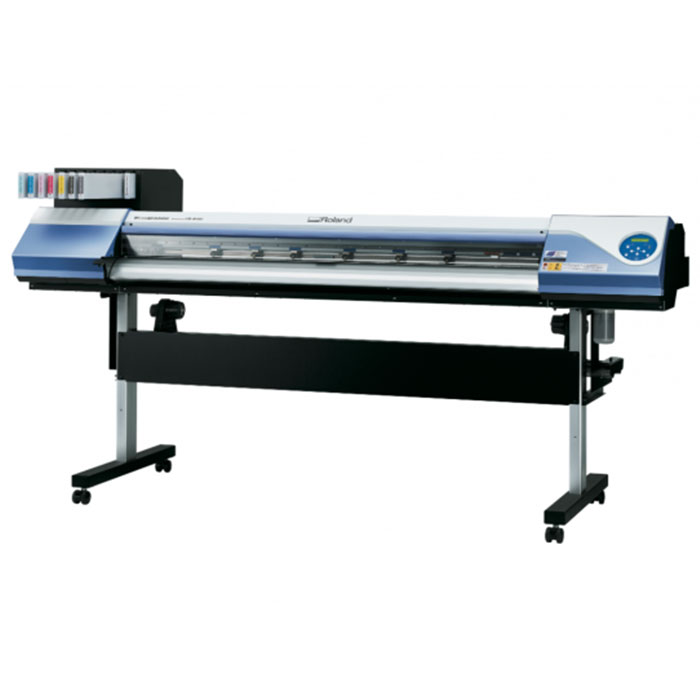
Roland Versa CAMM VS-640i Eco Solvent Printer/Cutter
Overview
The New Favorite
How can you make the world's best-selling printer even better?* The new VersaCAMM VS-i is the answer! We have kept everything that users love about the VersaCAMM: quality eco-solvent ink, integrated cutting function, user-friendliness, versatility and reliability. We have added what you still want: the latest print head technology, faster drying, new ECO-SOL MAX ink CMYKLcLm, white, metallic and light black, easy replacement of ink cartridges, among other things. This printer will therefore undoubtedly be your new favorite.
Specifications
| Printing technologie | Piezoelectric inkjet | |
| Medien | Width | 210 mm - 1625 mm |
| Thickness | Maximum 1.0 mm with liner for printing | |
| Maximum 0.4 mm with liner and 0.22mm without liner for cutting | ||
| Roll outer diameter | Maximum 210 mm | |
| Roll weight | Maximum 40 kg | |
| Core diameter *1 | 76.2 mm or 50.8 mm | |
| Printing/cutting width *2 | Maximum 1,600 mm | |
| Ink cartridges | Type | Roland ECO-SOL MAX ink |
| Capacity | 220 cc for White and Metallic or 500 cc CMYK Lc Lm Lk | |
| Colours | CMYKCMYK, CMYKLcLmLk, CMYKLcLmLk+Wh, CMYKLcLmLk+Mt, CMYKLcLm+Wh+Mt | |
| Printing resolution (dots per inch) | Maximum 1.440 dpi | |
| Cutting speed | 10 to 300 mm/s | |
| Blade offset | 0 to 1.5 mm | |
| Offset | 0 bis 1.5mm | |
| Software resolution (when cutting) | 0.025 mm/step | |
| Distance accuracy (when printing) *3 *4 | Error of less than ±0.3% of distance travelled, or ±0.3 mm, whichever is greater | |
| Distance accuracy (when cutting) *3 | When distance correction has been performed (when the setting for [CUTTING MENU] - [CALIBRATION] has been made): Error of less than ±0.2% of distance travelled, or ±0.1 mm, whichever is greater | |
| Repeatability (when cutting) *3 *5 | ±0.1 mm or less | |
| Alignment accuracy for printing and cutting *3 *6 | ±0.5 mm or less | |
| Alignment accuracy for printing and cutting when reloading media *3 *7 | Error of less than ±0.5% of distance travelled, or ±3 mm, whichever is greater | |
| Media heating system *8 | Print heater, Setting range for the preset temperature: 30 to 45ºC | |
| Dryer, Setting range for the preset temperature: 30 to 50ºC | ||
| Connectivity | Ethernet (10BASE-T/100BASE-TX, automatic switching) | |
| Power-saving function | Automatic sleep feature | |
| Power requirements | AC 100 bis 120 V ± 10 %, 8,2 A, 50/60 Hz oder AC 220 bis 240 V ± 10 %, 4,2 A, 50/60 Hz | |
| Power consumption | During operation | Approx. 1044 W |
| Sleep mode | ca.14,5 W | |
| Acoustic noise level | During operation | 64 dB (A) or less |
| During standby | 41 dB (A) or less | |
| Dimensions (with stand) | 2575 [W] x 795 [D] x 1270 [H] mm | |
| Weight (with stand) | 140 kg | |
| Environmental | Power on | Temperature: 15 to 32ºC [20ºC or more recommended], |
| Humidity: 35 to 80%RH (no condensing) | ||
| Power off | Temperature: 5 to 40ºC, | |
| Humidity: 20 to 80%RH (no condensing) | ||
| Included items | Stand, power cord, blade, blade holder, media clamps, media holder, replacement blade for separating knife, software RIP, user's manual, etc. | |
More Product Overview
The latest print heads
The VS-i is equipped with the latest print head technology. This ensures impeccable print quality. The print heads deliver drops in seven different sizes, and so optimise the image quality for your selected material and resolution. Combined with the new ink, the print heads ensure that even the smallest details are accurately printed.
High user-friendliness
VersaCAMM devices are known for their high ease of use. Convenient improvements however ensure that the operation of the VS-i is even easier. For example, the ink cartridges are located in the front of the machine, so that they can be replaced easily. You can also slightly adjust the blade position during cutting. You can therefore immediately intervene and thus avoid additional costs.
Convenient options
The VS-i has a built-in heating system. However, you can install an additional dryer to accelerate the drying process. Roland DG recommends such Online Dryer when you use white or metallic ink. All VS-i devices can also be fitted with an advanced take-up system with which you can finish large print jobs without any problems.
Supplied with VersaWorks
All Roland printers are supplied with VersaWorks. This software can print metallic patterns very easily. Simply select one of the 25 available patterns and the software does the rest. Thus creating special effects is a piece of cake! VersaWorks also has a library with 512 metallic colours. Just select a colour and you will see great results rolling off the printer within a few minutes.